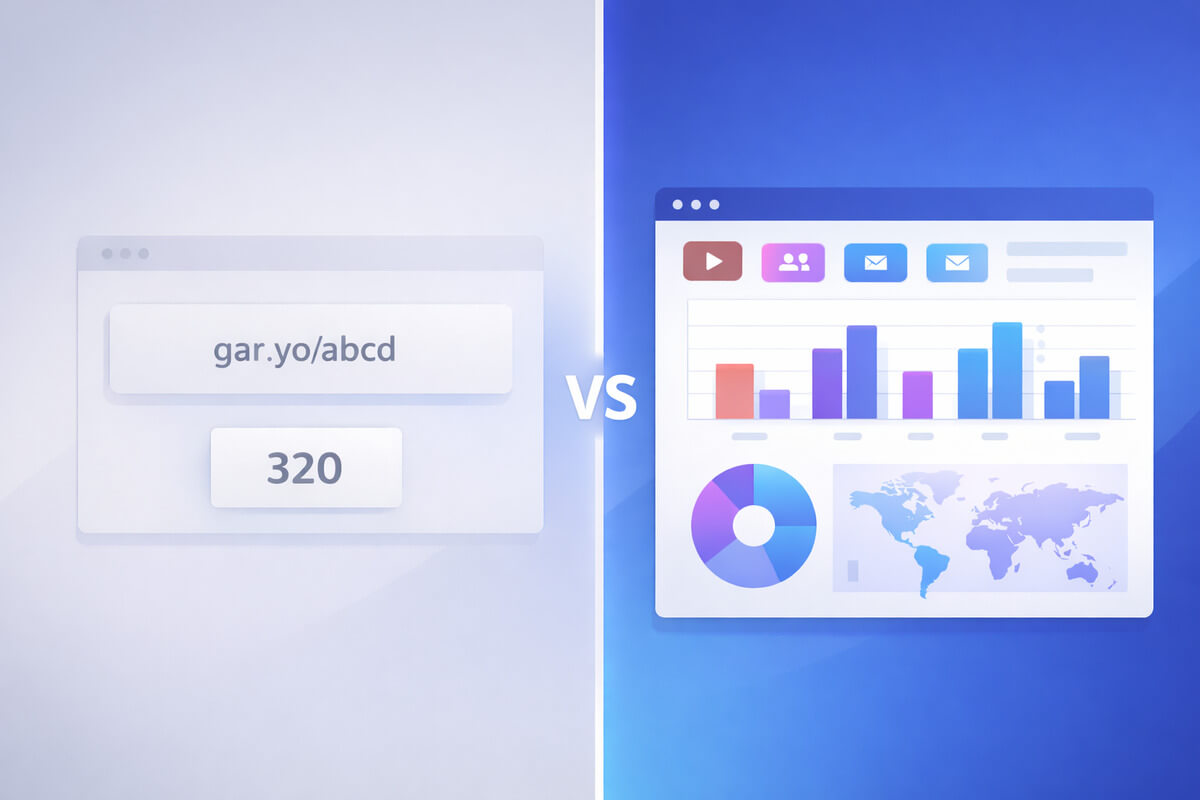
Bitly Is Great — Until You Need to Know Where Your Clicks Come From
Bitly is the most recognized link shortener in the world. It's been around since 2008. Nearly everyone has seen a bit.ly/ link. For quick, simple URL shortening, it works exactly as advertised.
But if you're an affiliate marketer or content creator promoting products across YouTube, Instagram, your blog, and email — Bitly starts to show its limits fast.
You can see that a link got 500 clicks. But where did those clicks come from? How many were from YouTube vs. your blog vs. Instagram? Which platform is actually driving sales?
Bitly doesn't answer those questions — at least not without manual UTM setup and a separate analytics tool. And that's exactly why creators are looking for a Bitly alternative that's built for affiliate tracking.
Let's compare Bitly and Linkgaze head-to-head so you can decide which one fits your workflow.
Quick Comparison
| Bitly | Linkgaze | |
|---|---|---|
| Founded | 2008 | 2025 |
| Built for | General link shortening | Affiliate link tracking |
| Free plan | 5 links/month | 10 links, 1K clicks/mo |
| Paid plans from | $10/month | $12/month |
| Auto UTM tracking | ❌ | ✅ |
| Clicks by platform | Basic referrer data (Premium only) | ✅ (Starter+) |
| Device breakdown | Premium only ($199/mo) | ✅ (Starter+) |
| Custom branded links | Growth+ ($29/mo) | Pro ($29/mo) |
| QR codes | ✅ | ❌ |
| Link-in-bio pages | ✅ | ❌ |
| Analytics retention | 30 days (Core) to 1 year (Premium) | 30 days (Free) to 1 year (Pro) |
The Core Problem: Bitly Wasn't Built for Affiliate Marketers
This isn't a knock on Bitly — it's a great tool for what it was designed to do. It was built as a general-purpose URL shortener for marketers, social media managers, and businesses who need short, clean links.
But affiliate marketing has specific needs that Bitly doesn't address:
- You promote the same product on multiple platforms. You need to know which platform sent each click — not just total clicks.
- You need UTM parameters on every link. Without them, Google Analytics lumps your traffic into vague buckets like "direct" or "referral."
- You make decisions based on per-platform performance. If Instagram gets 2,000 clicks but zero sales, and your blog gets 300 clicks but 15 sales — you need to see that.
- You manage dozens or hundreds of affiliate links. Five free links per month doesn't cut it.
Linkgaze was designed specifically to solve these problems for content creators and affiliate marketers.
Where Bitly Falls Short for Creators
1. No Automatic UTM Tracking
UTM parameters are the backbone of affiliate link tracking. They tell your analytics tool exactly where each click originated. (Not sure what UTMs are? Read our complete UTM guide.)
With Bitly, you have to manually add UTM parameters to every link before shortening it. That means building URLs like this by hand:
https://amazon.com/dp/B08L5VG6G3?tag=yourname-20&utm_source=youtube&utm_medium=video&utm_campaign=camera-reviewFor every product. On every platform. Every time.
Bitly's Core plan ($10/mo) includes a UTM builder — but it's still a manual process. You fill in the fields each time. Forget once, use inconsistent naming, or make a typo, and your analytics data is polluted.
Linkgaze adds UTM parameters automatically. Create a short link, and the UTM tags are applied based on where you share it. No manual entry, no typos, no inconsistent naming. You just create the link and share it.
2. Surface-Level Analytics
Bitly shows you how many clicks a link got. On the free plan, that's about all you get.
To see where those clicks came from, you need to upgrade:
- Core ($10/mo): 30 days of analytics. Basic click data.
- Growth ($29/mo): 4 months of data. Branded links.
- Premium ($199/mo): 1 year of data. City-level and device tracking.
Device-type breakdown — one of the most basic analytics features — requires the $199/month Premium plan. That's $2,388/year just to see if your audience clicks from phones or desktops.
Linkgaze includes per-source, per-device, and per-location analytics starting at $12/month (Starter plan). Even the free tier includes basic UTM tracking — so you can see source data from day one. Compare that to Bitly, where device-level data requires a $199/month Premium plan.
3. Tight Free Tier
Bitly's free plan gives you 5 links per month. For someone testing the tool or shortening the occasional social media link, that's fine.
For affiliate marketers? Five links is nothing. If you promote 10 products across 3 platforms, you need 30 links — and Bitly's free plan runs out by day one.
Linkgaze's free plan gives you 10 links with 1,000 clicks/month and basic UTM tracking. That's enough to test the tool with your top products before committing. Need more? The Starter plan ($12/month) unlocks unlimited links and full analytics.
4. Branded Links Are Locked Behind Higher Tiers
Branded links (using your own domain like yoursite.com/camera instead of bit.ly/x7k2m) build trust and increase click-through rates. Research from Rebrandly shows branded links get up to 39% more clicks.
On Bitly, custom branded domains require the Growth plan at $29/month. Below that, your links use bit.ly/.
Linkgaze offers custom domains on the Pro plan ($29/month) — the same price as Bitly's Growth plan. But Linkgaze's Starter plan ($12/month) includes custom slugs, so your links still look clean even without a custom domain.
5. Analytics Data Expires
Bitly limits how long you can access your analytics data based on your plan:
- Core: 30 days
- Growth: 4 months
- Premium: 1 year
After those windows, your historical data is gone. Want to compare this month's performance to six months ago? You'd need the Premium plan at $199/month.
Linkgaze's retention scales with your plan — 30 days on Free, 90 days on Starter, and 1 year on Pro. The Pro plan matches Bitly Premium's 1-year window at a fraction of the cost ($29/month vs. $199/month).
Where Bitly Still Wins
This isn't a one-sided comparison. Bitly genuinely does some things better:
QR Codes
Bitly generates QR codes for every link — even on the free plan. If you do in-person events, print marketing, or physical product inserts, this is a valuable feature. Linkgaze doesn't offer QR codes.
Link-in-Bio Pages
Bitly lets you create simple landing pages (link-in-bio style) for your social profiles. It's a basic page builder, but it's included. Linkgaze doesn't have this feature.
Brand Recognition
Everyone knows bit.ly. It's trusted, recognizable, and widely accepted across platforms. Some social media sites even whitelist Bitly links. As a newer platform, Linkgaze doesn't have that same level of universal recognition — which is why branded custom domains matter.
Enterprise Features
For large teams, Bitly offers SSO, group permissions, multiple users, and a dedicated customer success manager. If you're a company with 50 marketers, Bitly's enterprise offering is more mature. Linkgaze's team features are simpler.
Pricing Breakdown
Let's compare what you actually get at each price point.
| What You Need | Bitly | Linkgaze |
|---|---|---|
| Basic link shortening | Free (5 links/mo) | Free (10 links) |
| Click analytics by source | $199/mo (Premium) | $12/mo (Starter) |
| Device breakdown | $199/mo (Premium) | $12/mo (Starter) |
| Custom branded domain | $29/mo (Growth) | $29/mo (Pro) |
| UTM tracking | $10/mo (manual builder) | Free (basic) / $12/mo (full) |
| 1 year analytics history | $199/mo (Premium) | $29/mo (Pro) |
| QR codes | Free (2/mo) | Not available |
| Link-in-bio pages | Free (2 pages) | Not available |
Here's the cost to get the analytics that affiliate marketers actually need:
| Bitly | Linkgaze | |
|---|---|---|
| Per-source + per-device analytics | $199/mo ($2,388/yr) | $12/mo ($120/yr) |
| Branded domain + full analytics | $199/mo ($2,388/yr) | $29/mo ($290/yr) |
For an affiliate marketer who needs to know which platform drives their revenue, the price difference is significant.
Real-World Scenario: Same Creator, Different Tools
Let's see how the same workflow plays out with each tool.
Meet Priya. She's a beauty content creator who promotes skincare products through affiliate links. She posts on YouTube (tutorials), Instagram (Stories and Reels), her blog (reviews), and a weekly email newsletter.
She promotes 15 products regularly across all four platforms.
Priya's Workflow with Bitly
- Goes to Amazon, copies the affiliate link for a moisturizer.
- Manually adds UTM parameters:
&utm_source=youtube&utm_medium=video&utm_campaign=moisturizer-review - Pastes the 200-character URL into Bitly. Gets a
bit.ly/short link. - Repeats for Instagram (
utm_source=instagram), blog (utm_source=blog), and email (utm_source=email). - That's 4 Bitly links for one product. For 15 products = 60 links/month. She needs the $29/month Growth plan.
- To see device breakdown and source analytics, she actually needs Premium at $199/month.
- Alternatively, she sets up Google Analytics and manually cross-references UTM data with Bitly click data.
Time spent: ~20 minutes per product, plus weekly GA analysis. Cost: $29-199/month.
Priya's Workflow with Linkgaze
- Goes to Amazon, copies the affiliate link for a moisturizer.
- Pastes it into Linkgaze. Creates a short link:
priyabeauty.com/moisturizer - Shares the same link on YouTube, Instagram, blog, and email.
- Linkgaze automatically tags each click with the source platform.
- Checks her Linkgaze dashboard: YouTube sent 340 clicks, Instagram 210, blog 95, email 55. Blog clicks convert 3x better than Instagram.
- Decides to write more detailed blog reviews and reduce time on Instagram Stories.
Time spent: ~2 minutes per product. Cost: $12/month (Starter plan for unlimited links and full analytics).
When You Should Stick with Bitly
Bitly is still the better choice in certain situations:
- You just need quick, short links. No tracking, no analytics, just clean URLs for social sharing or presentations.
- You need QR codes. Bitly's QR code generation is built in and works well for physical marketing, event materials, or product packaging.
- You need link-in-bio pages. If you don't want to use a separate tool like Linktree, Bitly's built-in landing page builder covers the basics.
- You're a large team needing enterprise features. SSO, group permissions, and dedicated support are areas where Bitly's maturity shows.
- You don't do affiliate marketing. If you're a social media manager sharing blog posts and company updates, Bitly's general-purpose approach is a good fit.
When You Should Switch to Linkgaze
- You promote affiliate links across 2+ platforms and need to know which one drives clicks and revenue.
- You're tired of manually adding UTM parameters to every link, every time, on every platform.
- You want per-source, per-device analytics without paying $199/month. Linkgaze Starter ($12/month) includes full source and device tracking.
- You want a year of analytics history without paying $199/month. Linkgaze Pro ($29/month) gives you 1 year of data retention.
- You want automatic tracking with zero manual setup. Create a link, share it, and the data flows in.
Can You Use Both?
Absolutely. Some creators use Bitly for quick, throwaway short links (sharing articles on Twitter, one-off social posts) and Linkgaze for their actual affiliate links where tracking matters.
The two tools don't conflict. Use Bitly where you need QR codes or fast shortening. Use Linkgaze where you need to know which platform makes you money.
Switching from Bitly to Linkgaze
If you decide to make the switch, here's a simple migration plan:
- Start with your top 5 affiliate products. Don't try to migrate everything at once.
- Create Linkgaze short links for each product.
- Replace Bitly links in your YouTube descriptions, Instagram bio, blog posts, and email templates.
- Keep your old Bitly links alive. Don't delete them — existing content with Bitly links will still work. Just use Linkgaze for new content.
- Review your Linkgaze dashboard after 7 days. You'll already see which platforms drive the most clicks.
The whole process takes about 15 minutes for 5 products. For a full walkthrough on setting up tracking, see our guide on how to track affiliate links across platforms.
The Bottom Line
Bitly is a great URL shortener. It's fast, reliable, and universally recognized. For general link shortening, QR codes, and enterprise teams, it's hard to beat.
But for affiliate marketers and content creators who need to know which platform drives their revenue — Bitly's analytics are too shallow and too expensive.
Linkgaze gives you the affiliate-specific tracking that Bitly doesn't: automatic UTM parameters, per-platform click analytics, and device and location data starting at $12/month. One year of analytics history at $29/month instead of $199. And a free tier with basic tracking to test before you commit.
If your links are more than just short URLs — if they're revenue drivers that need real tracking — it's worth trying both and seeing which dashboard actually helps you make better decisions.
For a broader look at all the options, check out our comparison of the best affiliate link trackers for content creators.
Ready to See More Than Just Click Counts?
Linkgaze shows you which platform drives every click — with automatic UTM tracking, per-source analytics, and a free tier that actually delivers.
- Free tier to get started — no credit card needed
- Automatic UTM parameters on every link
- See clicks by platform, device, and location